Bring
Meet Lift.
In development. Start with a PDF, photo, or screenshot.
The source begins as a fixed page.
In development for iPhone & iPad
Readable chord charts that fit your screen. Adjust the text, change the key, and keep your set together.
The problem
A PDF can zoom. It cannot adapt to your screen or your arrangement.
Bring
In development. Start with a PDF, photo, or screenshot.
The source begins as a fixed page.
Review
Correct any chord, lyric, or alignment.
Review the detected chords, lyrics, and alignment before continuing.
Ready
An editable Kordia chart, ready to make your own.
The result has editable chords and lyrics.
Adjust
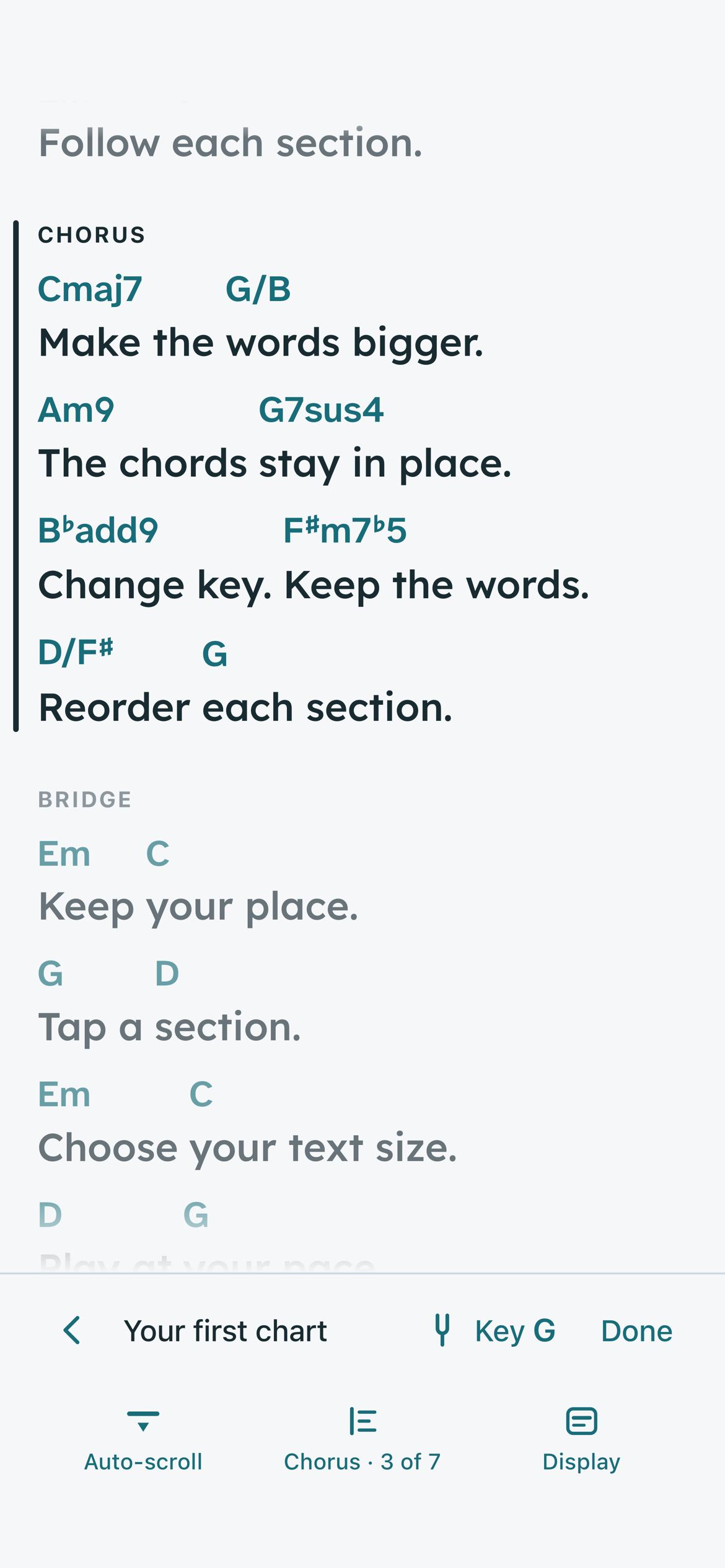
Resize it. Reorder it. Keep every chord with its words.
Make the words fit. The chords move with them.
VERSE
G              D          C
These are your words with chords above.

Em       C                 G           D
Make the text bigger. Each chord stays in place.
Bigger page. Same line breaks.
 Kordia chart
VERSE
GThese are yourDwords withCchords above.
EmMake theCtext bigger. EachGchord staysDin place.
New lines. Chords stay with words.
Move a verse. Repeat a chorus. Bring the bridge forward.
GThese areDchords.
EmYour wordsCgo here.
Tap a section to go straight there.
Drag to reorder, use the move buttons, or focus a handle and press Up or Down.Perfect when the song needs to fit your way of playing.
Set
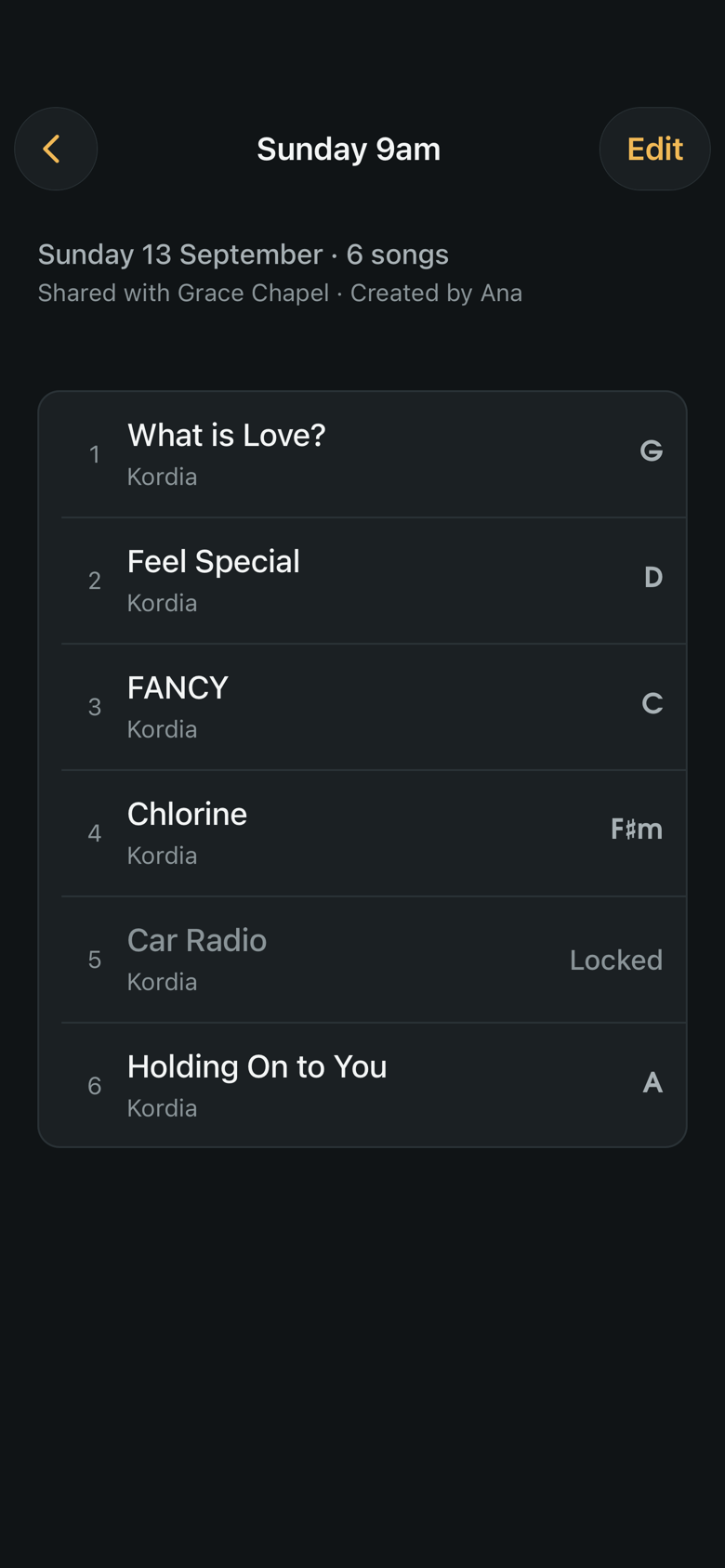
Keep your songs together. Build the order. Open it offline.
24 August · 6 songs
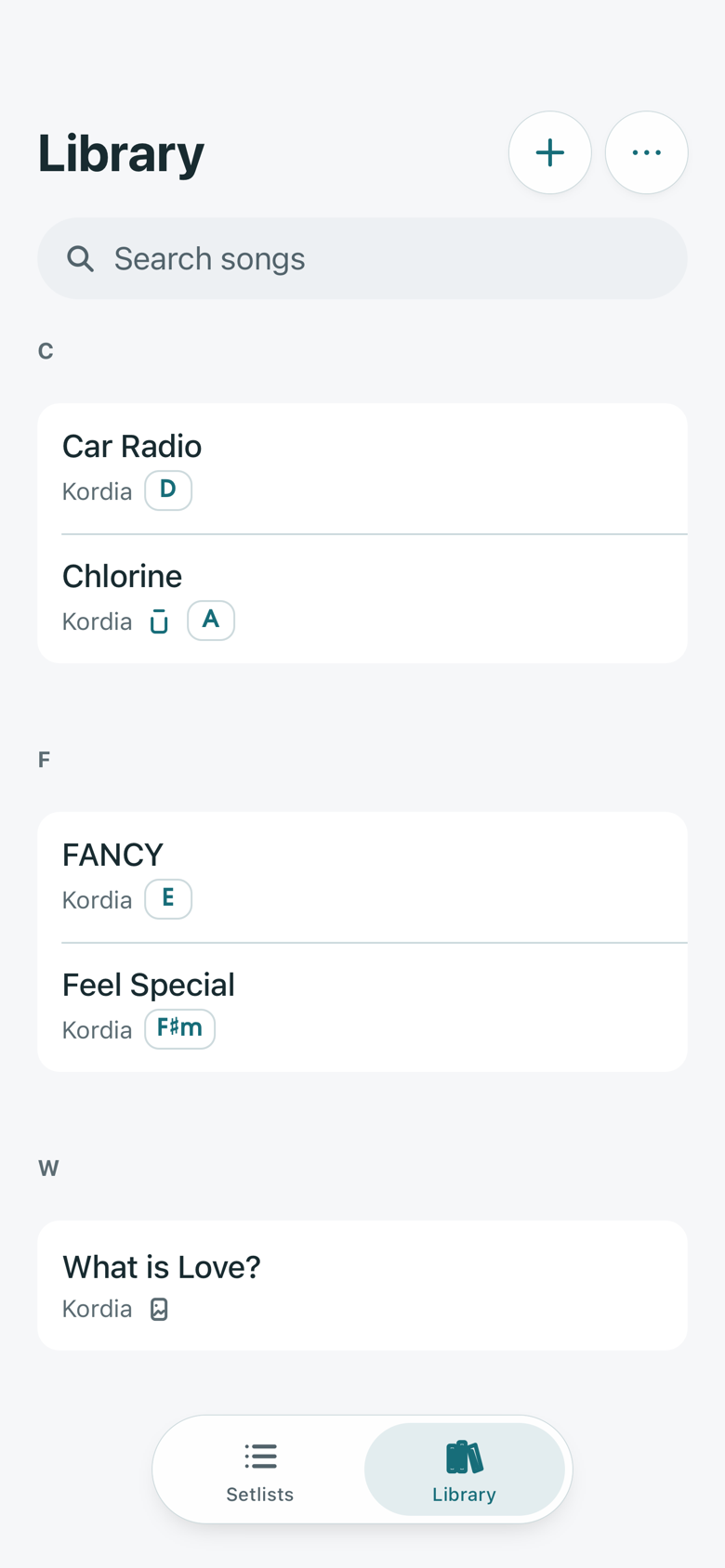
Create, paste, import and edit your own charts.
Bring songs into an ordered setlist, ready to read.
Open saved songs, pages and setlists without a signal.
Play
One shared library. Each musician keeps their own view.
One shared set. Your own way to play.
CLEF’S GROUP VIEW
The set in its shared key.
Start with your own songs. Make room as you grow.
Try Kordia with your own music.
Unlimited songs for your own growing repertoire.

Unlimited songs for teams, bands and vocal groups.
Planned tiers. Pricing and final details will be announced before launch.
In development for iPhone & iPad
Get a note when Kordia is ready, plus occasional launch news. For iPhone and iPad.